Kindlepaw Rescue Adoption posts
1 template · 4 dogs · a post and an animated story
The same card, one row per dog: name, age, traits and photo come from the data.
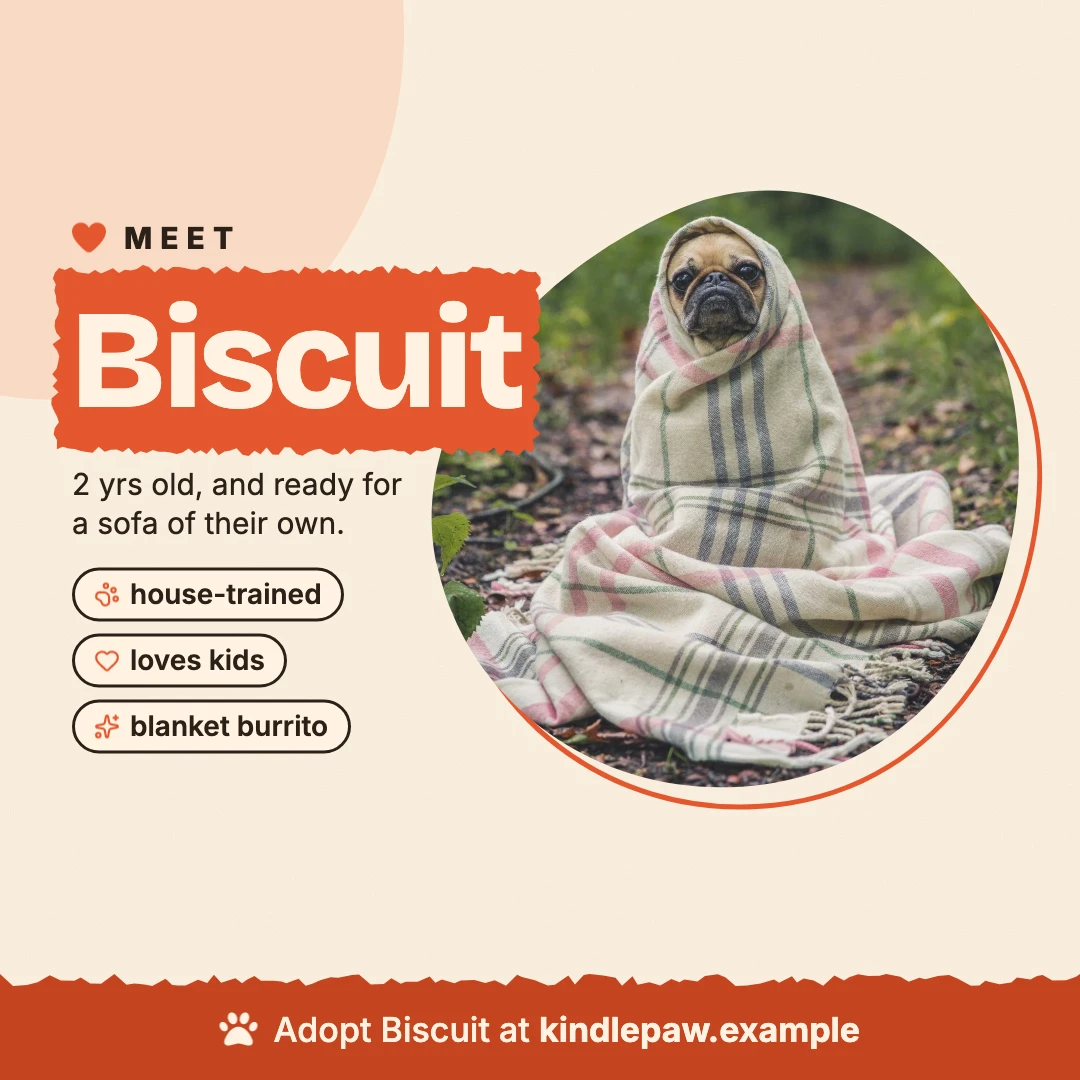
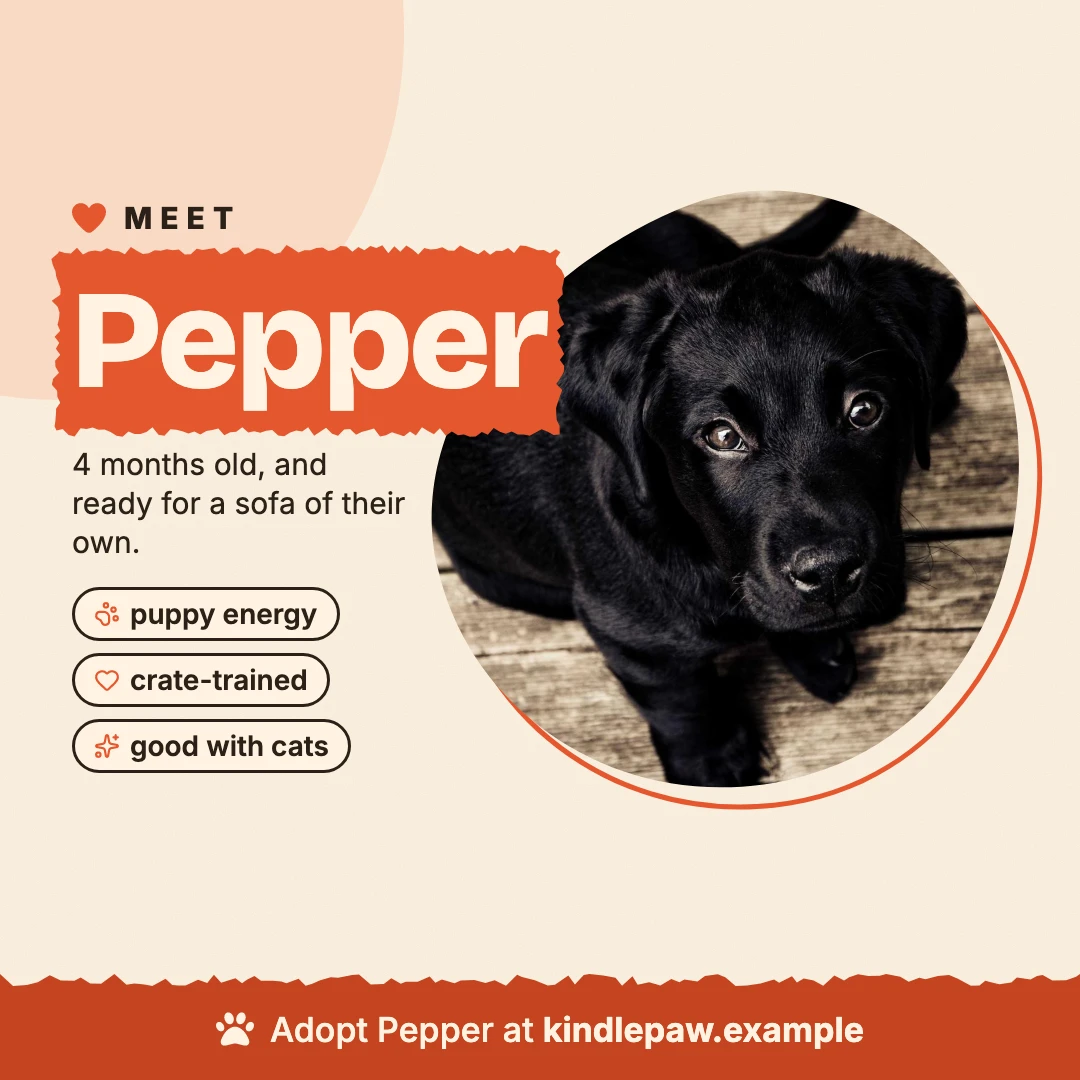
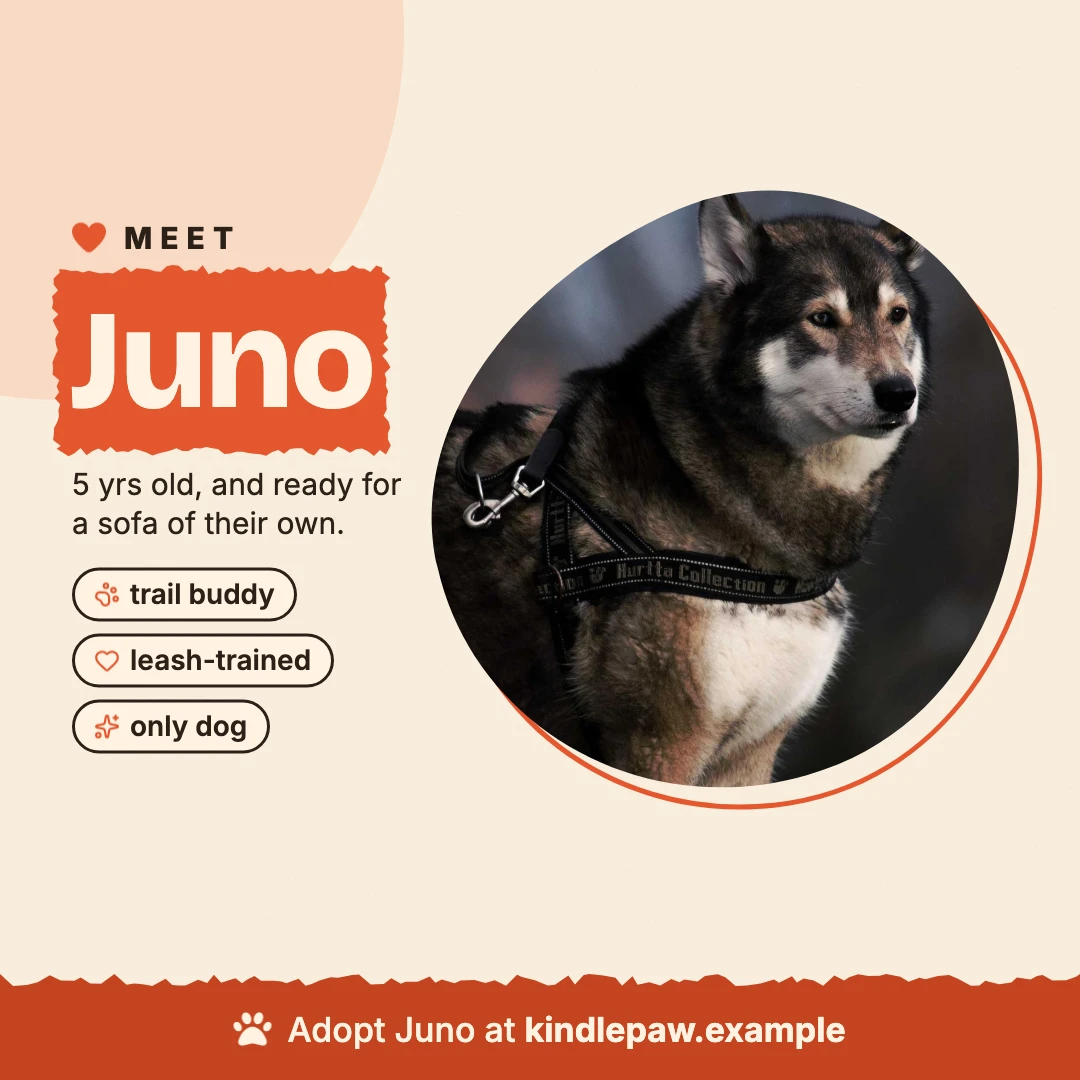
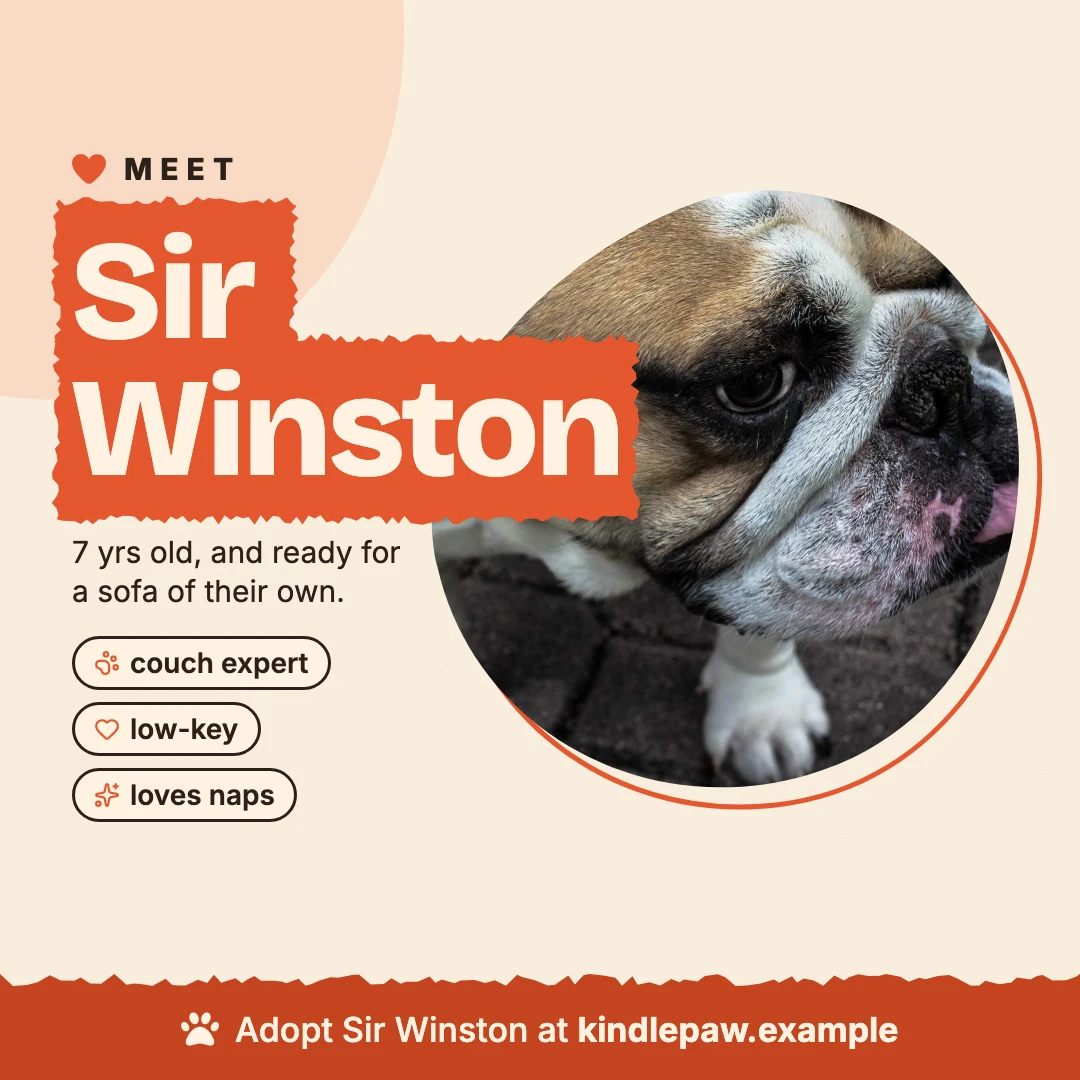
Photos: Matthew Wiebe, André Spieker, Alexander Dimitrov, Yamon Figurs / Unsplash

Canva for your agent
A free MCP server for Claude Code, Cursor and Codex. Your agent describes a social post, ad or banner once; keyline renders it as images and video at every size, with real text in your fonts and colors, the same every run.
Free and source-available · Latest release
Make a listing ad for Villa Lefka in Oia: an Instagram post, a Facebook banner and a skyscraper. Give the photo a slow zoom.
Done: three sizes from one layout, all checks clean. The photo zooms toward the tower and back, and the loop runs every 8 seconds.
Everything an agent needs to ship a campaign, and nothing it has to guess.
Stacks, grids and constraints adapt one design to a post, a banner and a skyscraper ad, and any size can be tweaked on its own.
The server measures text, overflow, contrast and safe areas, so the agent verifies with numbers instead of screenshots.
Entrance effects, keyframes, staggered text and video clips, rendered as GIF, animated PNG, MP4 or WebM.
One native Rust binary on Skia. No headless Chrome, Puppeteer or Playwright to install, run or patch.
No model generates pixels: a scene always renders the same way, on every machine.
Six tools, batched edits and terse replies, so the agent spends its tokens on the design, not on reading the scene.
We gave Claude one brief, a conference speaker card at three sizes, and three ways to make it: keyline, HTML screenshotted by headless Chrome, or a browser driven through Playwright MCP. All three made the card. Here's what each took.
2× fewer tokens than headless Chrome, 5× fewer than Playwright MCP.


| Tokens | |
|---|---|
| Turns | |
| Time | |
| Images looked at |
Every run, with its prompt and the judge's scores, is in the benchmark.
The agent works in a small JSON scene. keyline measures it and says what's wrong, so the agent fixes the design before anyone looks at pixels.
Text, images, shapes, layout and motion, in names models already know from CSS and Figma.
{"id": "headline",
 "type": "text",
 "text": "Cold Brew Season",
 "fontSize": 168,
 "fontWeight": 900,
 "textWrap": "balance",
 "media": {"banner":
{"fontSize": 104}}}Every edit replies with what doesn't fit, per size: cut text, overflow, low contrast, text under a platform's buttons.
changed headline v4
story headline text
  96,1110 888×290 168px 2L
banner sub text
  60,372 470×62 26px
!truncated needs 470×96PNG, JPEG, WebP, PDF, animated PNG, GIF, MP4 or WebM, with facts the agent can check without opening the files.
story  …/story-v5.png
  1080×1920, 78 KB
banner …/banner-v5.png
  1200×628, 46 KB
square …/square-v5.mp4
  1080×1080, 5s, 125 frames,
2179 KBEach campaign is one small JSON scene, rendered and checked by keyline. The brands are fictional; the photos are real.
1 template · 4 dogs · a post and an animated story
The same card, one row per dog: name, age, traits and photo come from the data.
Photos: Matthew Wiebe, André Spieker, Alexander Dimitrov, Yamon Figurs / Unsplash
1 scene · 5 sizes, down to 728×90 · a pan that follows the rider
The layout reflows from a post to a leaderboard banner; the checks confirm every size.

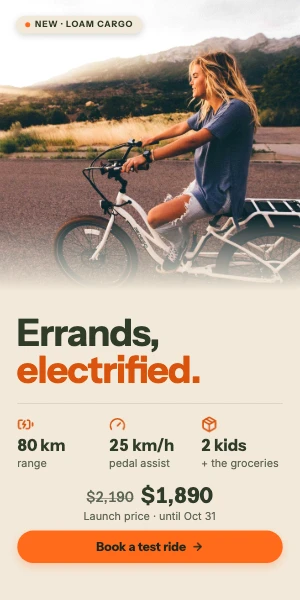


Photo: Abigail Keenan / Unsplash
4 shots · duotone photos · letters that fly in
Three unrelated photos read as one campaign; the headliner's letters land in place.
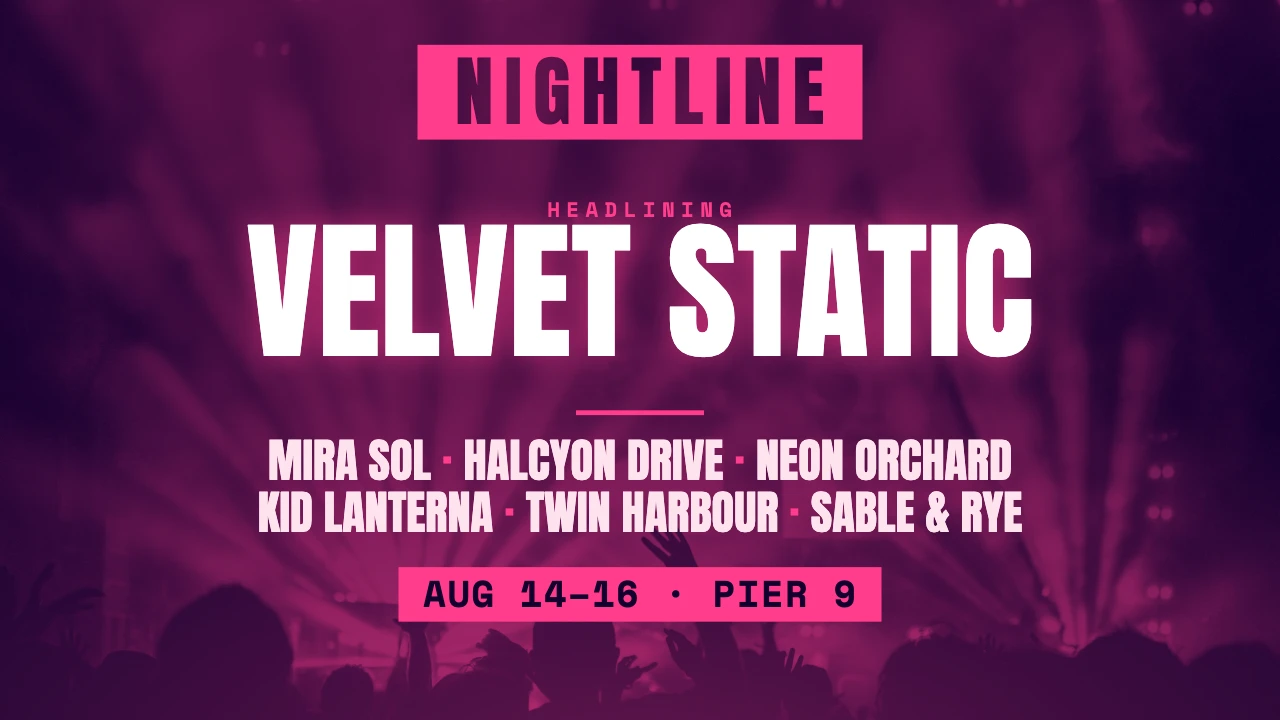
Photos: Daniel Robert, Gonzalo Poblete, Desi Mendoza / Unsplash
2 languages · 4 sizes · the longer Spanish still fits
One campaign, one row per language; the text-fitting checks prove every size holds.
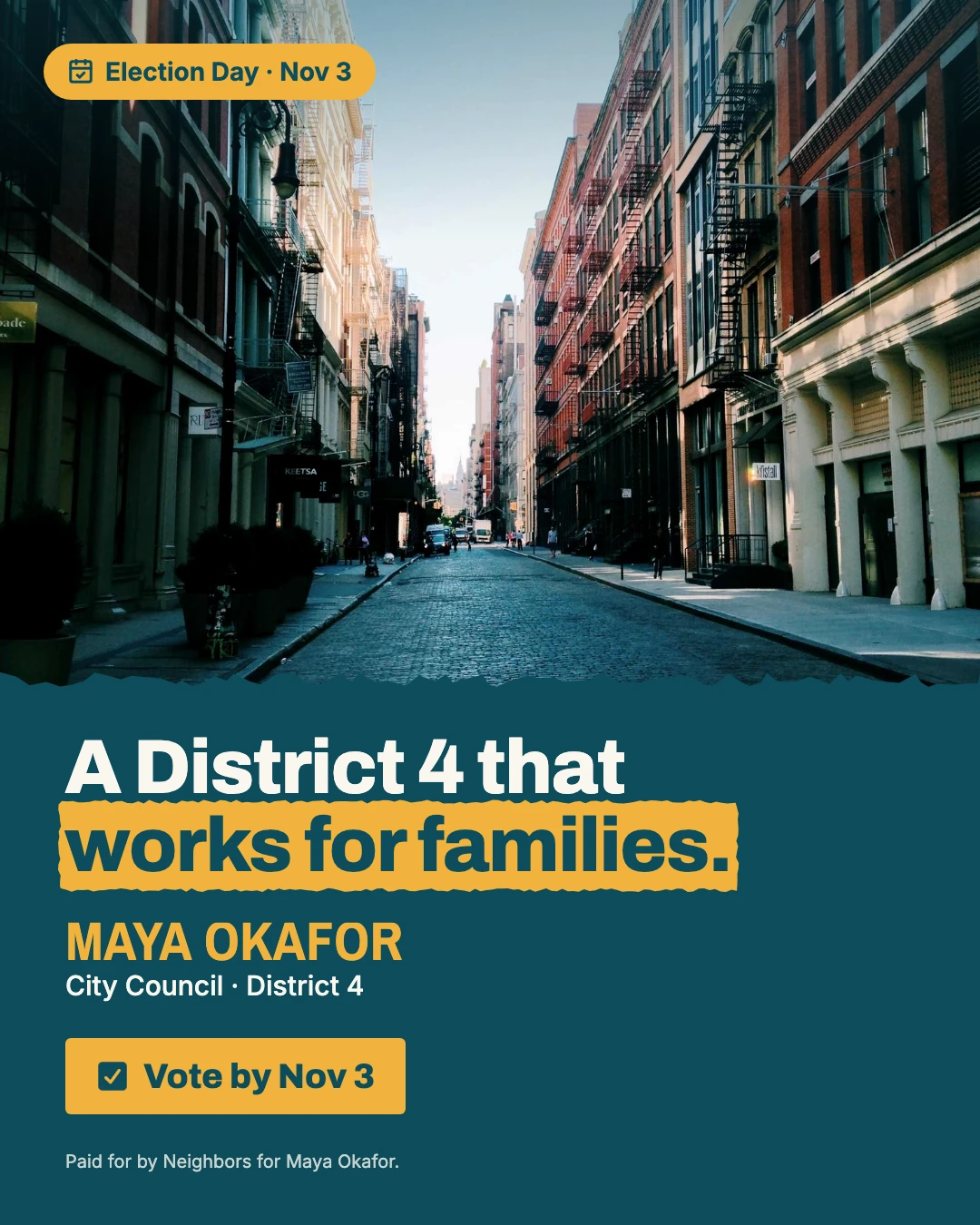



Photo: Nicholas Swanson / Unsplash
A UI built from layers · a focus ring that draws itself · hours that count up
No screenshot: the app's interface is built in the scene, so it stays sharp at every size.
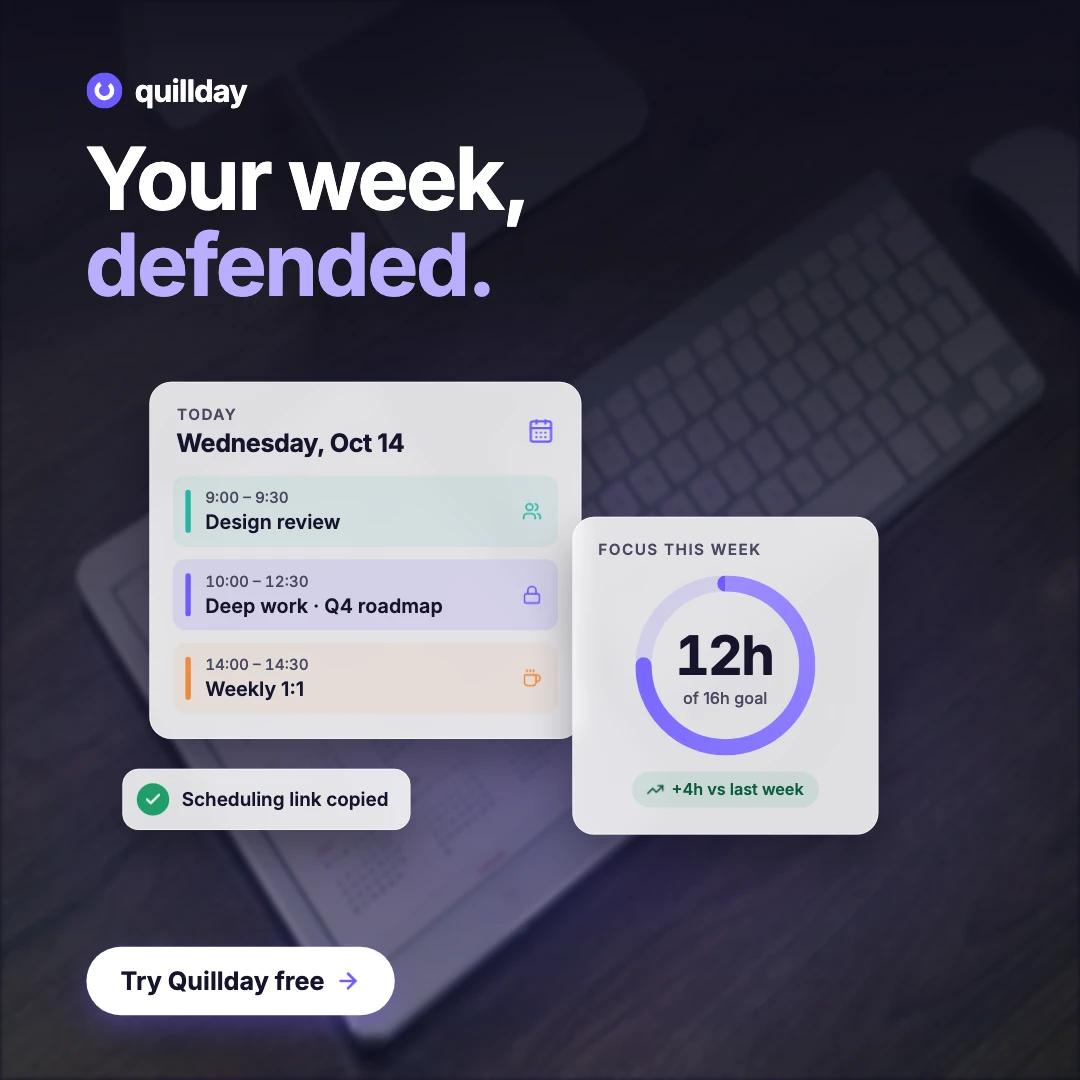
Photo: William Iven / Unsplash
1 scene · a print PDF, a post and a story
The same menu as vector A4 for the printer and as social posts; dot leaders run to the prices.
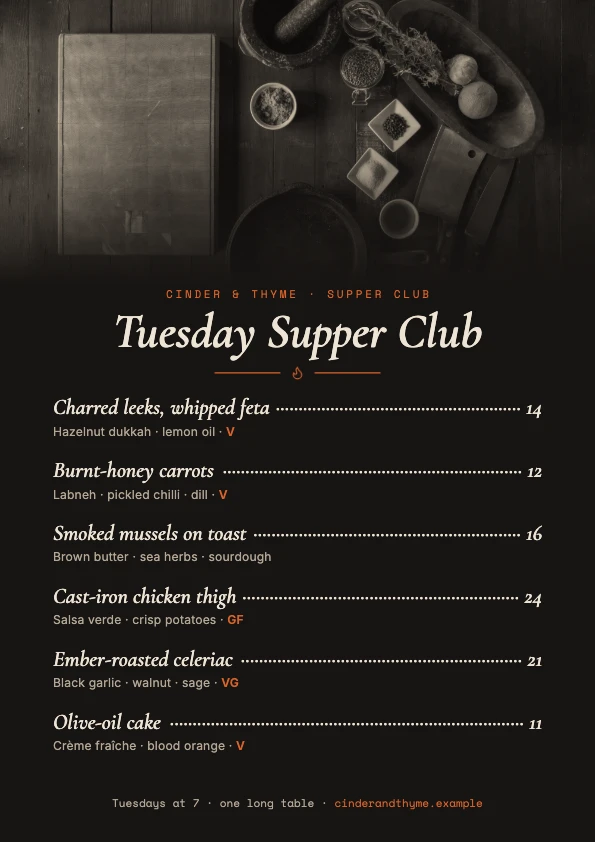
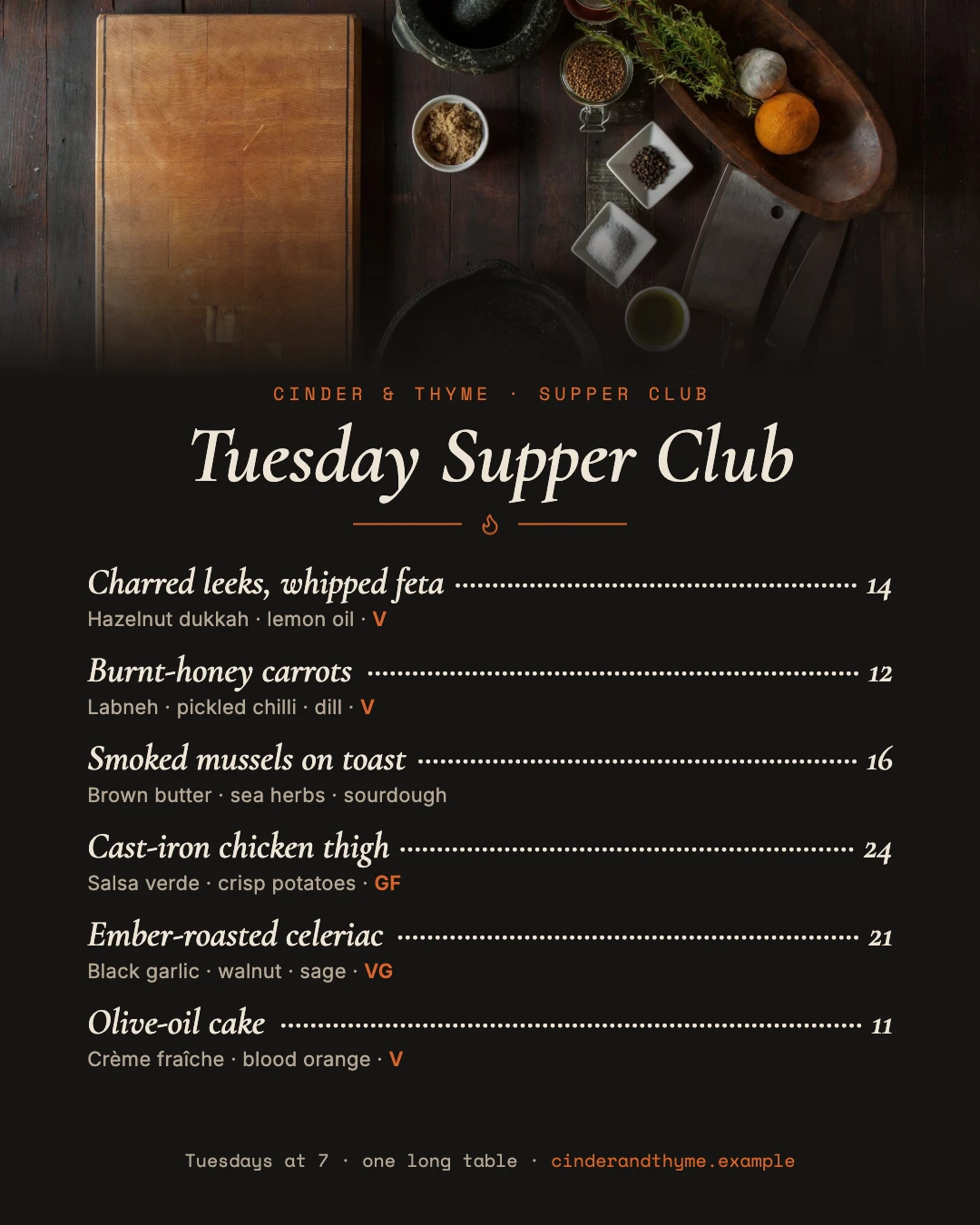
Photos: Todd Quackenbush, Annie Spratt / Unsplash
keyline is a free, source-available MCP server that lets AI agents (Claude Code, Cursor, Codex, VS Code) design social posts, display ads, banners, flyers and video at every size from one JSON scene. It measures text fit and overflow before rendering, and renders with Skia instead of a headless browser.
There's no browser to install, run or patch: keyline is one native binary. It measures text fit, overflow and contrast itself, so the agent fixes a layout without taking screenshots. In our benchmark an agent used 2× fewer tokens than with HTML and headless Chrome, and 5× fewer than with Playwright MCP.
keyline runs on your machine or in CI, for free, with no hosted templates and no API key. The agent writes the design itself, as a JSON scene, instead of filling in a template someone made in a web editor.
No. keyline renders deterministically: the agent writes the scene, and the same scene always renders the same pixels. Photos and logos are your own files.
Install the binary (brew install keyline-dev/tap/keyline-mcp, or a release download), then add { "mcpServers": { "keyline": { "command": "keyline-mcp" } } } to ~/.cursor/mcp.json. The install guide has every other client.
Yes. keyline is source-available under PolyForm Shield 1.0.0: use it, change it and share it, commercially too, except to build a product that competes with it.
macOS, Windows and Linux. Every download is checksummed and built by GitHub Actions.
The plugin installs everything, downloading keyline if it isn't on your PATH.
/plugin marketplace add keyline-dev/keyline
/plugin install keyline@keylineDownload keyline-mcp-<version>.mcpb from the latest release and double-click it, or install it from Settings, Extensions. Mac (Apple silicon) and Windows.
macOS on Apple silicon. Then add keyline-mcp to your client.
brew install keyline-dev/tap/keyline-mcpLinux, nothing else to install. Use this as your client's command; :stills leaves out video and is a third the size.
docker run -i --rm -v keyline:/data ghcr.io/keyline-dev/keyline-mcpCodex, Cursor, VS Code, Windsurf, Cline and any MCP client: install keyline, then point the client at keyline-mcp. The Quick start has a setup block for each.
GitHub Actions: keep designs as scene files in a repo; every push renders them and fails on a broken layout.
- uses: keyline-dev/keyline@v0
  with:
    scenes: campaigns/*.json